I was looking for cheats for Final Fantasy Crystal Chronicles. I ended up writing a save editor.
«I wanted to replay Final Fantasy Crystal Chronicles for the GameCube, emulated with Dolphin. The idea was a few light, easy co-op sessions, without spending the evenings grinding: a bit of extra gil for one character, a few extra artifacts for another, and off we go.»

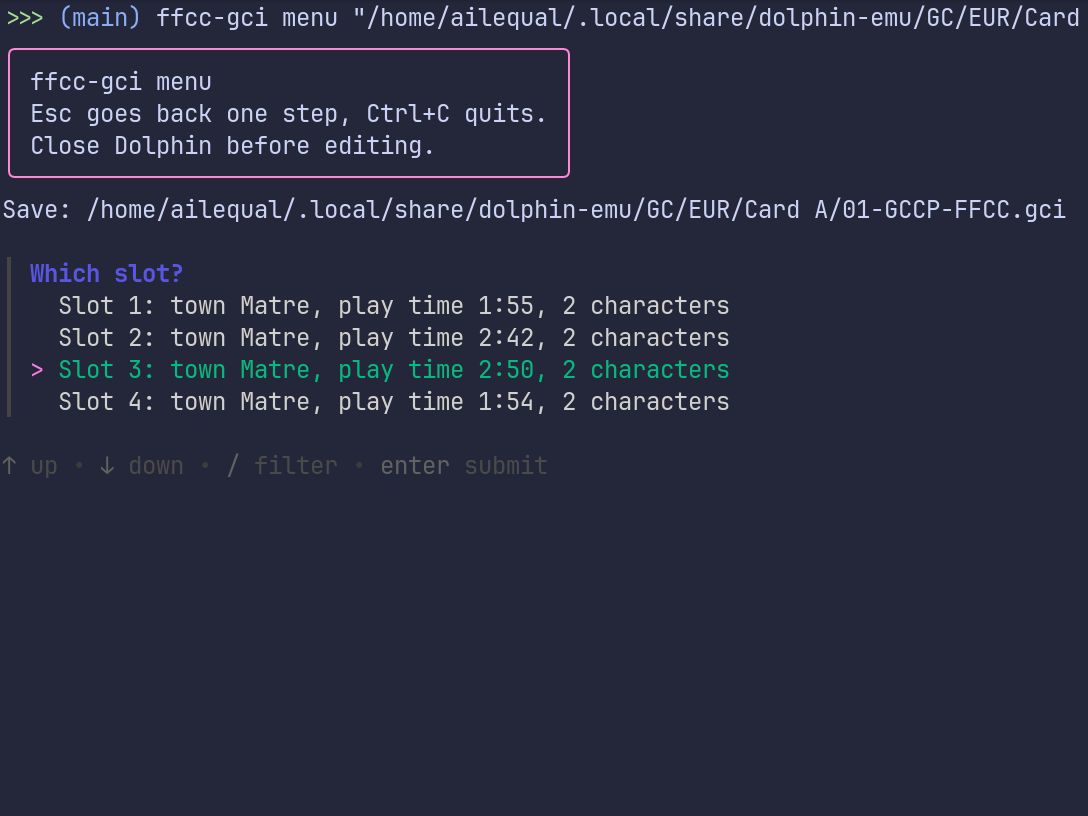
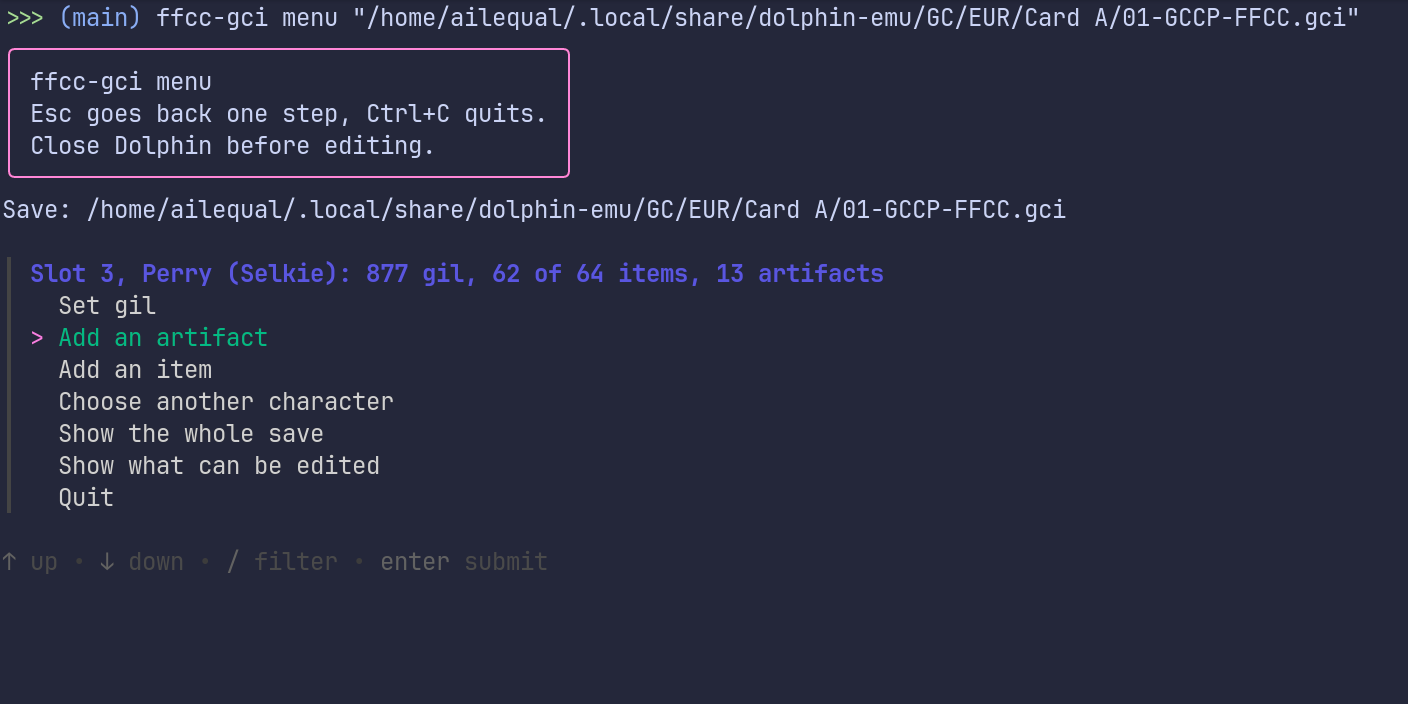
«I searched online: I found no cheats that fit my case, and no ready-made save editor either. So I planned a prototype with Claude Code: a minimal command-line program in Go, with Charm’s beautiful huh library to make it pleasant to use. The biggest obstacle was understanding how the save handles its data and what to change without corrupting it. The decompilation project of the original game, available on GitHub, came to the rescue: once I asked Claude to check its content, the doubts about handling the save vanished. I then tried every kind of edit in the real game, on a PAL save loaded in Dolphin.»
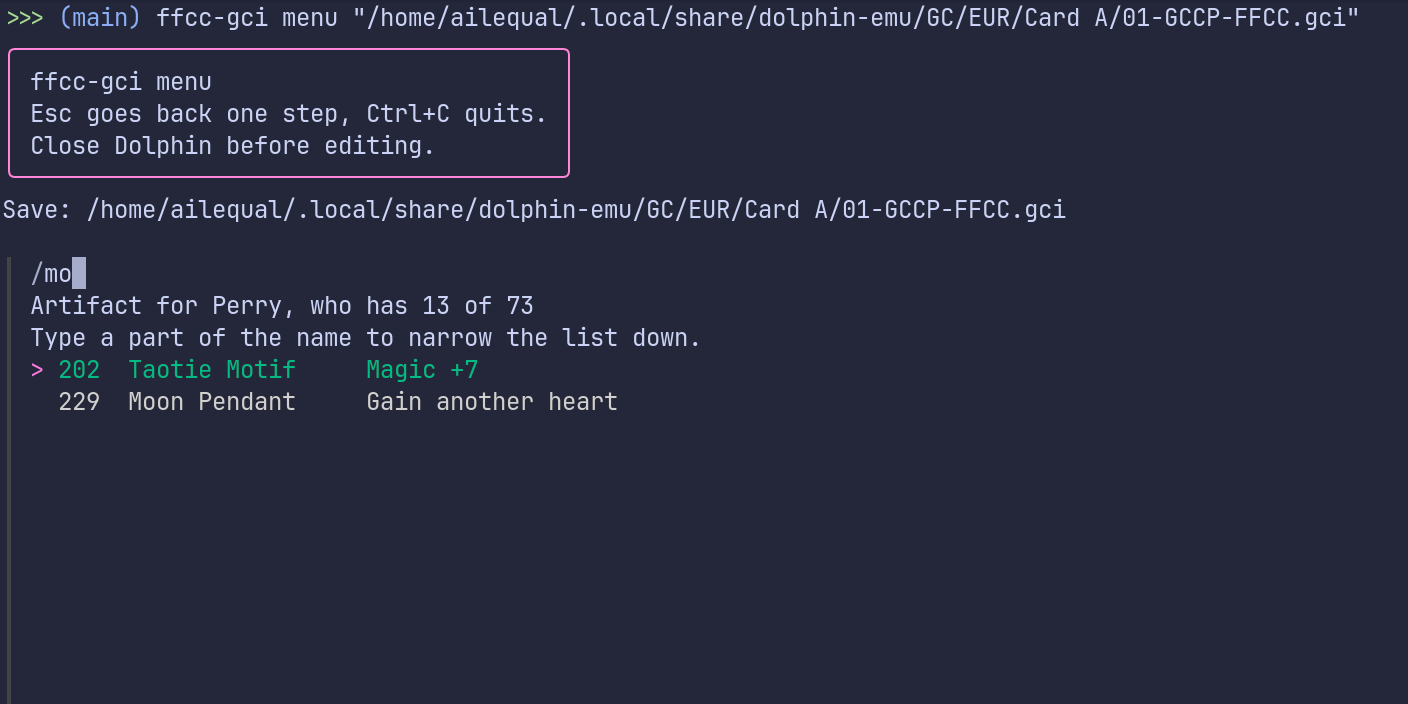
«ffcc-gci, a command-line program that opens a .gci save and edits gil, artifacts and items, with flags or with a menu that asks the questions. Before writing, it checks the save, keeps a copy and reads the result back: if anything other than what I wanted has changed, it writes nothing. All of this only because I wanted to avoid a bit of farming.»
3 editsgil, artifacts and items: each one confirmed in the real game, on a PAL save
- Built with
- Go, huh by Charm, Claude Code
- Runs on
- Linux, macOS and Windows
- Needs
- A PAL save of the game in .gci format and a terminal
- Status
- Stable, MIT